Learn how a TikTok view counter and live monitor turn real-time audience data into smarter posting and engagement decisions.
A TikTok view counter measures one of two different audience signals: cumulative views under a video, or concurrent viewers inside a LIVE broadcast at a sampled moment. Tools that use the phrase may report either number, which is why two counters can disagree and why neither should be read as a sales metric.
What a TikTok View Counter Really Measures
The public counter under a post is a cumulative view total. The counter inside a live stream is a concurrency number. A third-party “tiktok view counter” may show the first when you paste a video URL and the second when you open a live URL. Confirm which signal you are reading before comparing sessions.
TikTok has historically counted a view when playback starts, which can include autoplay impressions, repeat views, and brief skips. Exact rules can change, so treat video views as reach, not attention. Concurrent viewers are tighter but still sampled. For live commerce, concurrency is closer to the audience available to respond to an offer.
Core terms for the rest of this article:
Live monitor: a tool that samples or subscribes to a stream’s public signals — viewer count, gifts, comments, joins — and renders them as a timeline.
Concurrent viewers: people watching at the sampled moment. It is a stock, not a flow.
Peak viewers: the highest concurrent count in a session. Useful for comparison, easy to distort with a short spike.
Watch time: how long viewers stay. A monitor may infer it from viewer-count persistence; the native dashboard is better when available.
Entrance rate: how quickly new viewers join during a window. It separates a stable room from a churning one.
What Is a TikTok Live Monitor and How Does It Get Its Data?
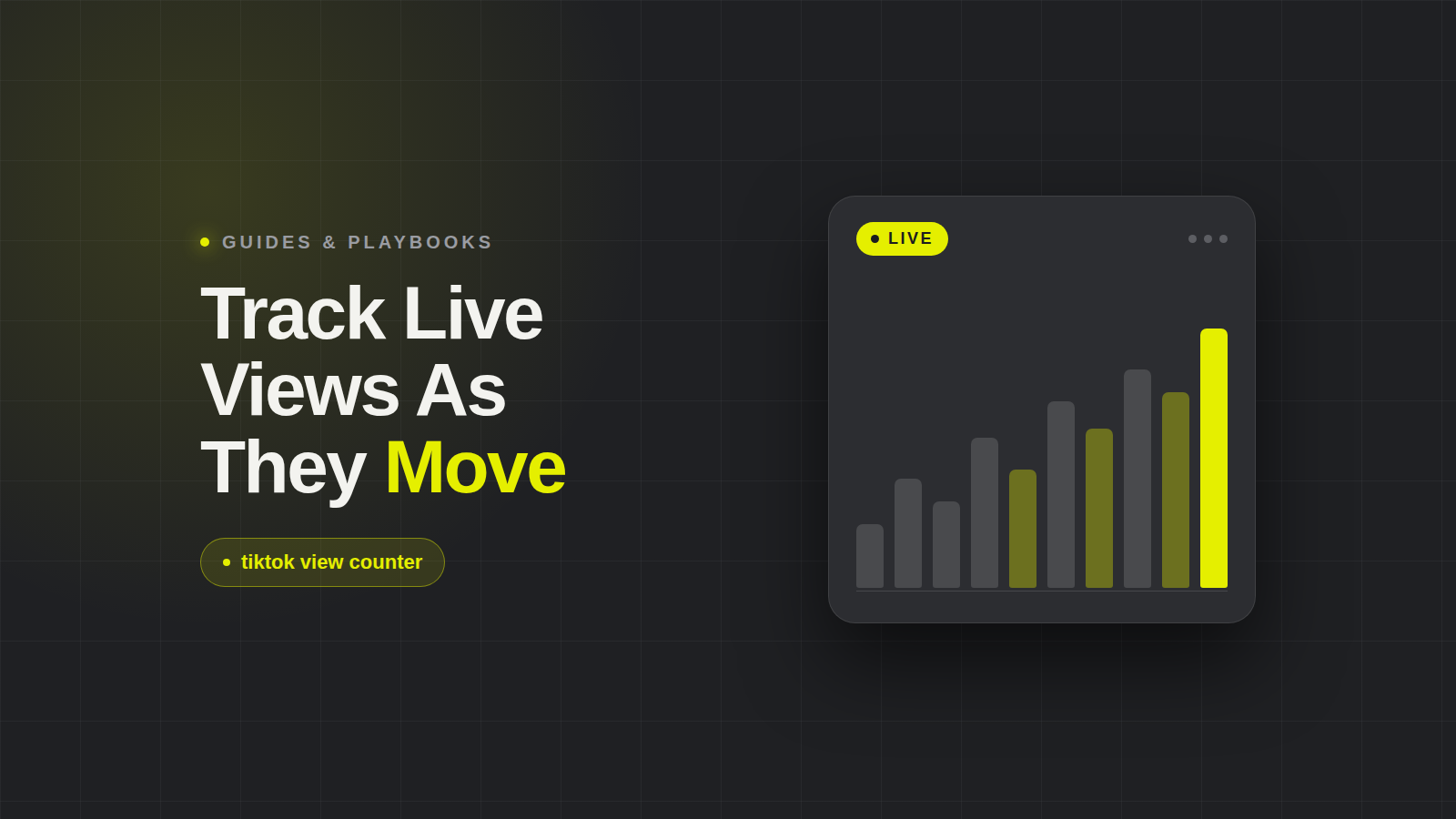
A TikTok Live monitor is a tool that samples or subscribes to a live stream’s public signals and plots them as a timeline. Instead of one snapshot, it shows when people entered, when gifts accelerated, when comments spiked, and when the host lost the room. A snapshot answers “how many now?” A monitor answers “what changed, and did the audience respond?”
Data collection falls into three buckets. Browser-based scraping reads public pages as a viewer would; it is cheap but fragile when layouts change. Polling records the same public endpoint every few seconds — a 10–15 second refresh is fine for trends but not tick-by-tick truth. Access through an API, official or licensed, can be more stable and faster, but costs more and may not expose every signal; API shifts affect live view accuracy. The trade-off is refresh speed versus cost versus reliability.
There is a ceiling: TikTok does not publish a full public analytics API for live viewer time series, so any third-party counter is an approximation. Vendors differ in how they handle rate limits, missing samples, and stream restarts. One tool may smooth a gap; another may show a cliff. Neither is necessarily lying. They are making different engineering choices around incomplete public data.
How to See Live Viewer Counts on TikTok (Native and Third-Party)
Inside the TikTok app, a viewer sees the live viewer count on or near the stream, plus entrance notifications and comments. The creator sees more after the broadcast in TikTok’s LIVE dashboard. Those native views are authoritative for what TikTok chooses to expose, but they are not a full time series unless you record them. The TikTok Shop seller center dashboard is used for performance tracking alongside product listings and payouts, but it answers different questions than a live monitor.
Third-party counters and comparison tools read public pages, poll live endpoints, or connect to licensed data. The related searches — “tiktok view counter online”, “tiktok view counter free”, and “tiktok view counter app” — reflect the same intent: see a number without installing a full analytics stack. Free tools are fine for spot checks but weaker for session comparisons because refresh cadence for live audience tracking is often delayed. Most free counters update on a 10–30 second cycle, so treat them as indicators.
“Live” means near real time, not perfect real time. A counter that refreshes every half-minute can miss a short giveaway spike. A counter that refreshes every few seconds can still miss viewers who enter and leave between samples. Use native numbers for the session summary and a third-party monitor for shape: when the curve rose, when it flattened, and what the host was doing.
Do TikTok Live View Counters Update in Real Time — and What Do Sudden Drops Mean?
They update in near real time through rolling windows and sampling intervals. The number you see is the latest sample, not a continuous census. Two tools can show different numbers for the same stream because they sampled at different seconds, smoothed differently, or handled a missing response in different ways. If the gap is small and the curve shape matches, the tools agree about the trend. If one shows a cliff and the other a plateau, check the timestamp before acting.
A sudden drop can mean the host went offline or hit a stream error. A giveaway may have ended, releasing viewers who came only for the prize. Moderation actions can remove viewers or comments. Or the counter hit a sampling gap. Cross-check comment velocity and gift activity: if comments stop and gifts freeze, the room likely emptied or the stream broke. If comments continue but the counter drops, suspect a measurement artifact.
A sudden spike is equally ambiguous. It can come from feed distribution, paid promotion, a host collaboration, or a viral clip. Look at the quality of incoming activity. Paid or clip-driven spikes often arrive with a burst of comments and follows, then decay. Feed-distribution spikes may be broader. Collaboration spikes often coincide with a co-host appearance. Gift activity is the tell: viewers who arrive with intent engage faster than passive passersby.
Reading Live Audience Signals as Benchmarks, Not Vanity Metrics
Raw viewers are a starting point. Convert them into ratios: viewer-to-comment rate, average watch duration, follower conversion per thousand viewers, and GMV per peak viewer. None is meaningful alone. Compare them across sessions, creators, and categories to see whether attention is turning into commercial behavior.
Public, source-backed TikTok Live viewer-count benchmarks and a universal viewer-to-sales conversion rate are not established here. Average-views calculators can size a creator’s typical audience, but they collapse session variation, ignore watch time, and cannot tell whether viewers came for the product or the giveaway. Build category norms from repeated observations. A beauty creator’s peak count is not comparable to an electronics creator’s without adjusting for category, session length, and promotion.
High views with low engagement is a warning. It can signal bought traffic, low-intent distribution, or a room that arrived for entertainment and left before the offer. A smaller, stickier audience often converts better on TikTok Shop because the viewers who stay hear the pitch, ask questions, and click the cart. The same caution applies in Amazon product research: BSR is a ranking, not a sales report, and category momentum analysis separates rising demand from ranking noise. A live view counter is an audience signal, not a revenue metric.
Turning Live Monitoring into an E-Commerce Workflow
Build a routine. For each session, log peak viewers, a quarter-hourly viewer curve, and the timestamps of gift and comment spikes. Add the host’s actions: product drop, giveaway start, collab appearance, paid push. Compare sessions week over week to isolate what changed. If peak viewers rose but GMV per peak viewer fell, you may have attracted the wrong audience. If watch duration rose but comments fell, the host may be entertaining without prompting action.
Connect those signals to product and creator decisions, using consistent creator terminology for live audience briefings. A rising creator can be spotted before rates climb with a follower tracker that reads growth curves, if entrance rate and watch duration improve across sessions, even while absolute viewers are modest. A viral product’s real demand can be validated by watching whether live viewers convert into repeated questions, cart clicks, and follow-on searches. Campaign pushes should be timed around proven live windows. Sales velocity, reviews, and creator spikes are early signals merchants can monitor in Southeast Asian TikTok Shop product research, and live monitoring adds the intra-session view of those spikes. Cross-platform demand signals from ads spy tools can also reveal where attention is moving before a live test.
This is where a standalone counter stops being useful and a data layer starts to matter. Deviantly Track is positioned to join live viewer trends with sales and performance data; Creator Intelligence connects creator GMV and audience signals; Marketing Intelligence supports campaign and demand analysis; Deviantly Trends helps validate viral products; and the Deviantly API gives developers and agencies a marketplace data API for TikTok Shop, Amazon, and DTC workflows. For TikTok Shop analytics, the workflow is not “watch the number go up.” It is: capture the live signal, join it to creator and product outcomes, and decide what to repeat.
Keep the hierarchy straight. A TikTok view counter measures exposure or concurrency, depending on which counter you read. A live monitor measures the shape of a session. Neither measures profit. TikTok Shop metrics such as KOL activity, GMV, and net payout should be distinguished so platform activity is not confused with actual margin. Use live viewers to ask better questions — when did attention arrive, who stayed, and what did they do next — then answer with sales, creator, and marketplace data. That is how real-time audience signals become a decision tool rather than a vanity dashboard.
FAQ
What is a TikTok live monitor?
A tool that samples or subscribes to a stream's public signals — viewer count, gifts, comments, joins — and renders them as a timeline. It turns a single live number into a trend you can compare across sessions.
How can you see live viewer counts on TikTok?
Open the LIVE broadcast in the TikTok app, where the concurrent viewer count is displayed on the stream. Third-party live monitors can surface the same public number alongside a historical chart.
Do TikTok live view counters update in real time?
They refresh frequently but are sampled rather than continuous, so short spikes and dips can appear delayed or smoothed. Treat the number as a near-real-time estimate, not a frame-accurate figure.
What do sudden drops in live view count mean?
Usually viewers leaving after a segment ends, a giveaway finishes, or the host stalls — plus possible app-side refresh lag or a sampling gap in the monitor. Confirm with comments and join activity before assuming a problem.
Can you estimate watch time from a live view counter?
Only indirectly. A monitor may infer it from how long the concurrent count persists, whereas the native dashboard gives the more reliable retention figures.
Olivia Bennett Carter is a Canadian ecommerce journalist specializing in social commerce, creator marketing, and competitive intelligence. Her research focuses on TikTok Shop, Amazon marketplace trends, affiliate discovery, and advertising analytics. She translates complex platform developments and emerging retail trends into accessible, actionable insights that help online sellers and digital marketers make informed decisions.